
Does it work offline?
Yes, fully. DeckPost never connects to the internet. Everything happens on your Mac.

DeckPost for Mac
Turn any slide deck or PDF into a ready-to-post carousel, or into crisp images. Your brand on every slide.
Coming soon to the Mac App Store
For macOS 14 Sonoma or later



Features
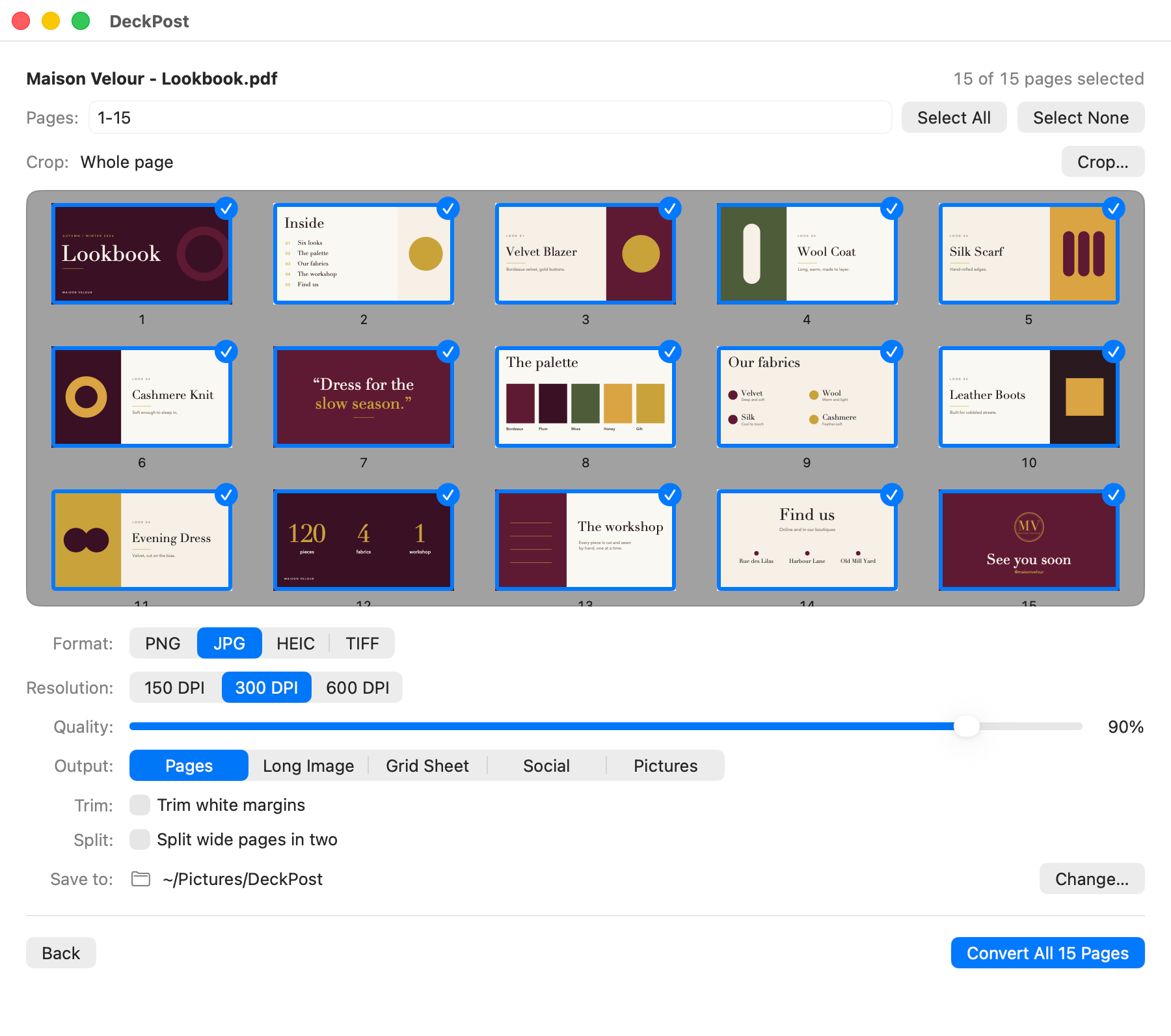
Pages, Long Image, Grid or Pictures. PNG, JPG, HEIC or TIFF, at 150, 300 or 600 DPI.
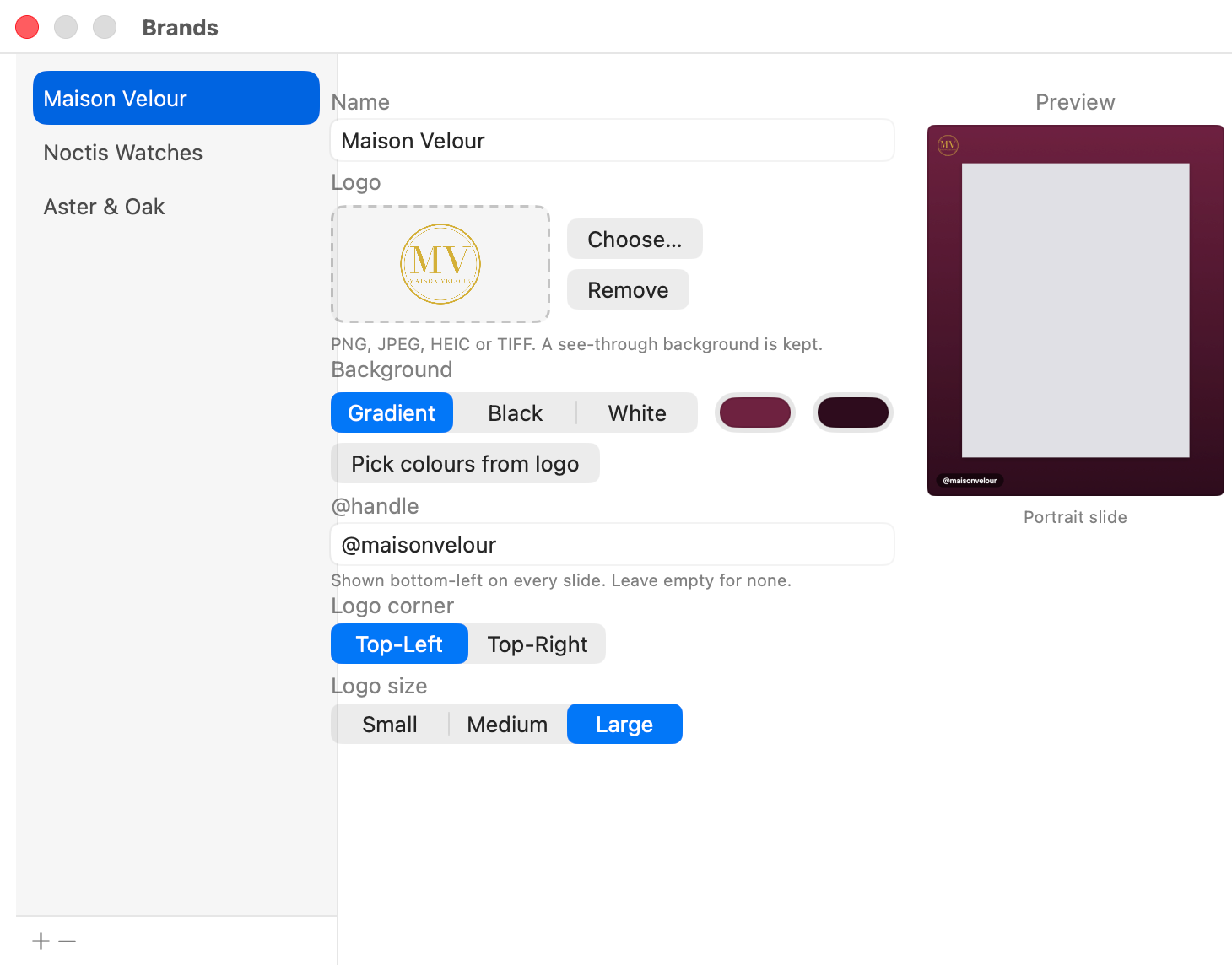
Your logo, two colours and your @handle on every slide. Save one brand per client and switch in one click.
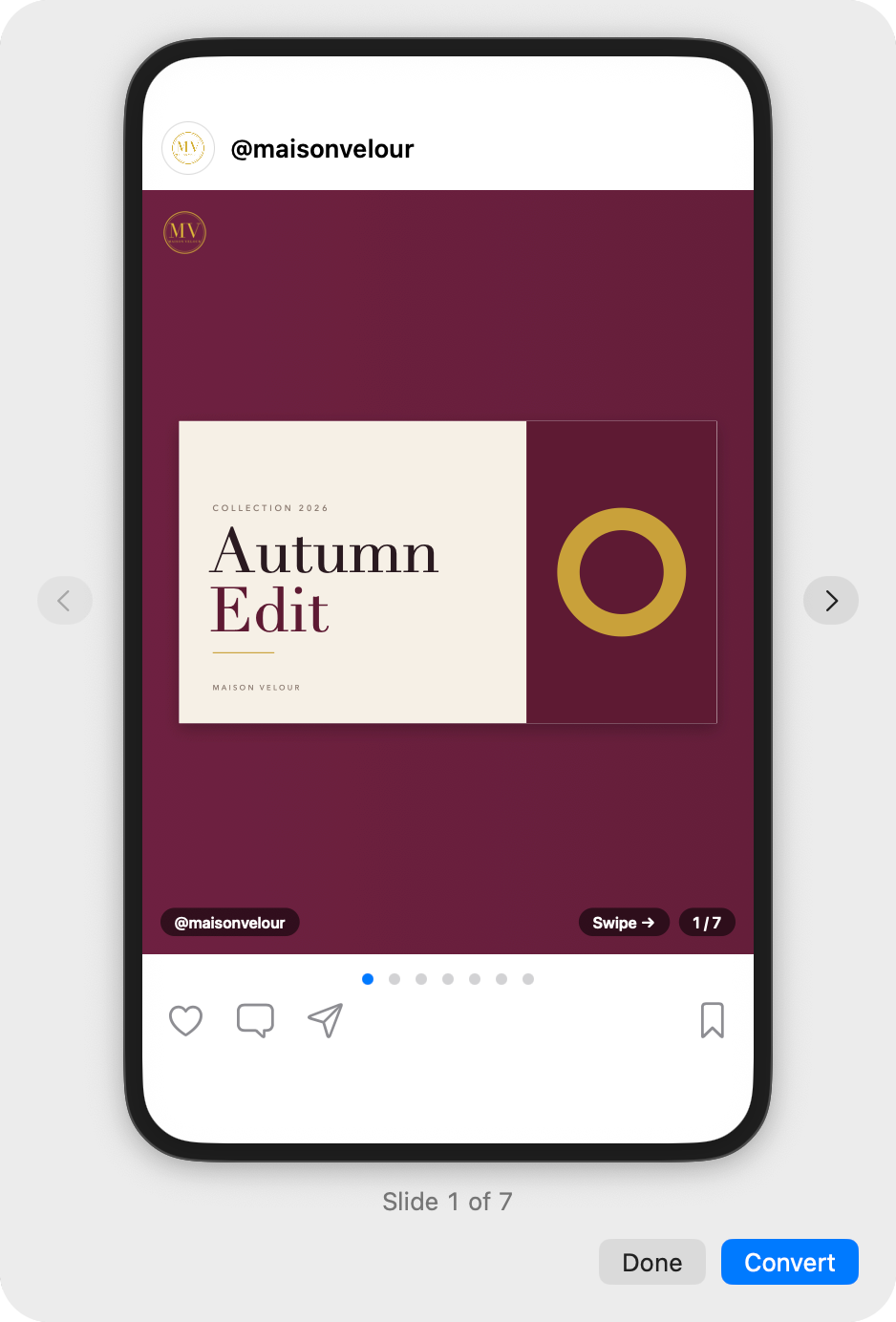
Square, Portrait and Story sizes. One gradient flows across every slide, with “Swipe →” and slide numbers like “1 / 5”.

See your carousel in a phone frame and swipe through the slides. The Story safe zone keeps text clear of the top and bottom bars.
Right-click a PDF in Finder and choose “Convert to Images”. Or use the Shortcuts action for your own automations.

Private by design
DeckPost works fully offline. No account, no subscription, no tracking. Read the privacy policy.
Help
Questions, bugs or ideas? Email [email protected]. Please write “DeckPost” in the subject.
Yes, fully. DeckPost never connects to the internet. Everything happens on your Mac.
No. There is no account and no subscription. You pay once.
PNG, JPG, HEIC and TIFF, at 150, 300 or 600 DPI.
Right-click a PDF in Finder and choose “Convert to Images”. It uses the settings you picked in the app.
Only on your Mac. DeckPost keeps its own copy of each logo, and it never leaves your computer.
macOS 14 Sonoma or later.